Wallet Management and Security
Learn how to safely manage your browser-based crypto wallet.
Managing Your Browser Wallet
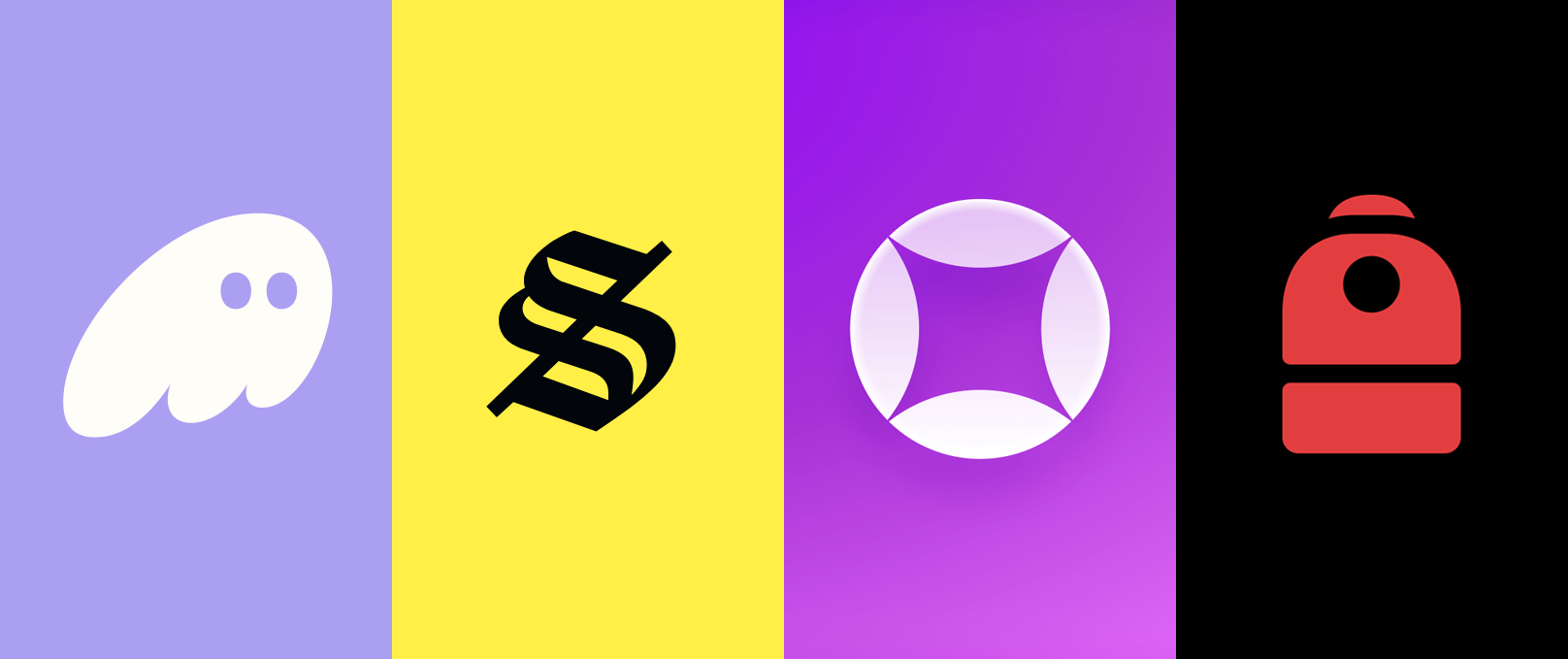
If you opt to use your own browser wallet with Dupe, this guide will help you manage it effectively. While this example uses a Phantom wallet, the following guidelines apply to all cryptocurrency browser wallets.
From left to right: Phantom, Solflare, Glow, Backpack
Password Protection
During setup, you’ll create a password to unlock your wallet. If you share your computer with others, make sure your password is secure.
Signing Transactions
Whenever you interact with a web application using your wallet, you will be prompted to sign a transaction.
Before signing, ensure you fully trust the web application and verify it is not malicious.
If you are ever unsure about a transaction, delay signing until you can confirm its legitimacy.
Verifying Web Applications
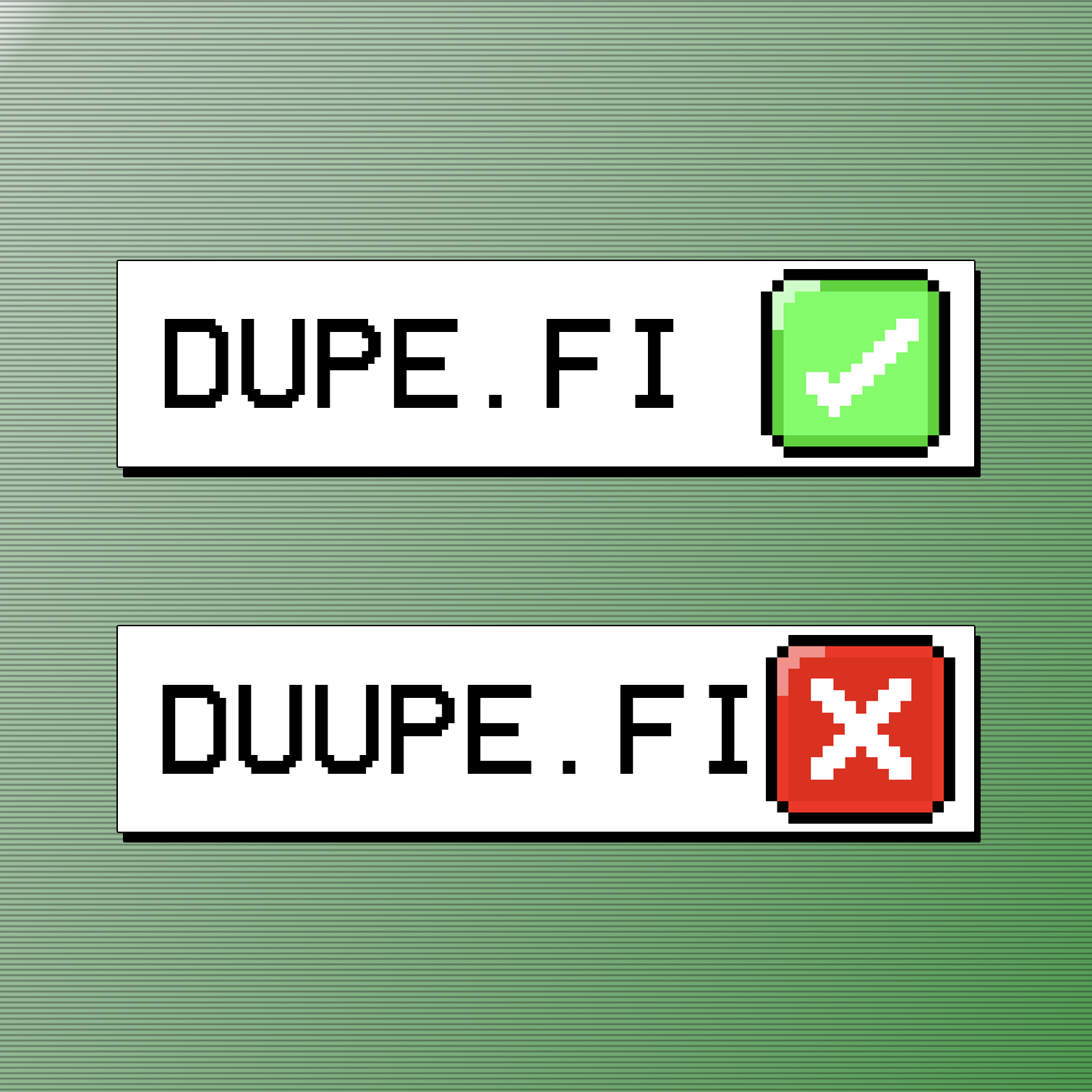
Scammers often create fake domains that closely resemble legitimate websites.
- Always verify you are on the correct URL before connecting your wallet.
- Double-check the web address to ensure authenticity before proceeding.
Compartmentalizing Wallets
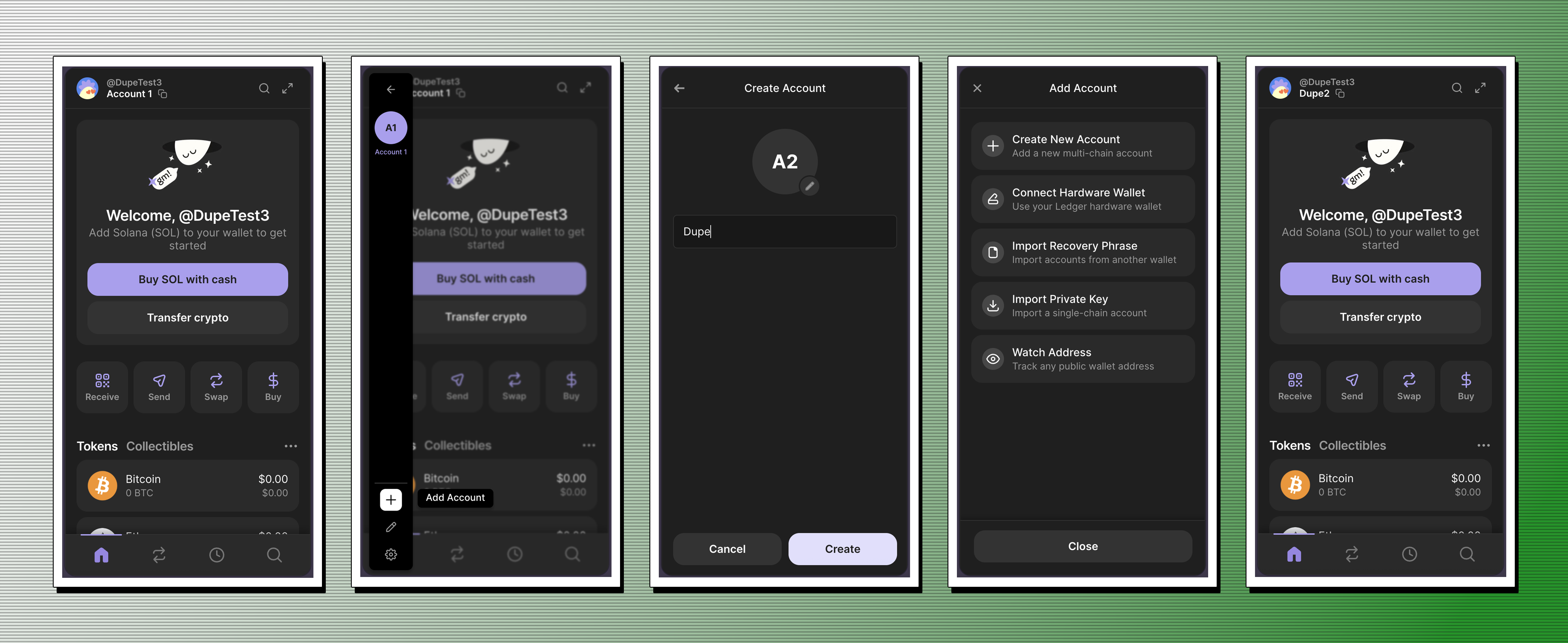
It is highly recommended to create separate wallets for each web application you use.
This optional practice helps compartmentalize your assets and reduces overall risk.
Final Note
These tips will help you manage your crypto wallet safely while interacting with web applications.
Happy trading!